Automating the process from CAD file to NC code
JETCAM Orders Controller Premium (JOC Premium) simplifies and automates the creation of orders for single plies or complex kits (assemblies) for composite manufacturers using JETCAM Expert.
JOC Premium Automation offers a powerful way to streamline the process of CAD import and nesting by harnessing JETCAM Expert's RCP functionality to fully automate these processes for multiple machines and materials.

Work smarter, not harder

CAD import, with CSV & DXF Splitting
Easily import any supported CAD format (inc. CATIA (XML), SolidEdge and AutoDesk), with support for PPI data. One click sends all parts to JETCAM for automatic geometry creation and tooling for your selected machine, with multi-profile CAD filtering built in as standard.

Supports multiple JETCAM Expert seats
Use one license of JOC Premium Automation to control multiple JETCAM Expert licenses. Send CAD files to one system to create geometry files while nesting fully automatically on another.

Assembly management with revision control
Ensure that you always use the latest revision of a ply. Easily create complex kit assembly structures, either through drag and drop or one-click using directory structures. CAD import can also create assemblies automatically!

Drag and drop ordering to unlimited worklists
JOC Premium Automation allows you to create unlimited worklists - perhaps for each operator, machine or shift. Drag and drop plies or complex assemblies onto a worklist, or automatically create and populate worklists with CSV import.

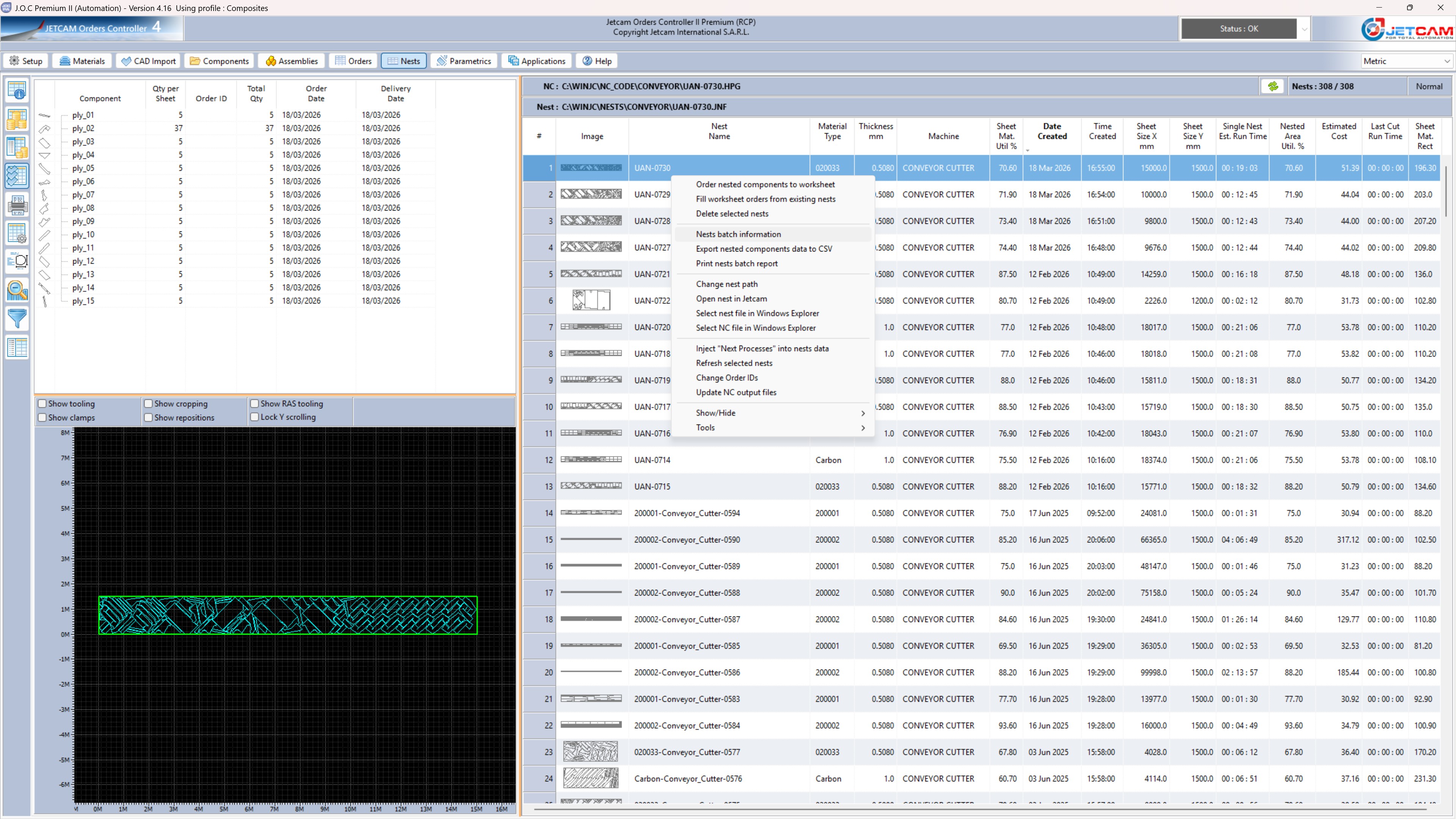
Find which nests contain one or more ply
Select one or more ply and immediately see which nests any or all plies appear in. Double click the nest in the left pane to automatically open the nest in the nest view, ready to view cost information, open in Explorer, JETCAM or export to CSV.
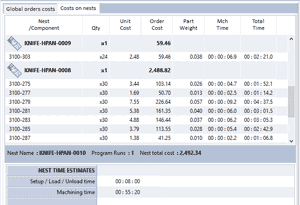
Costings for plies on one or more selected nests
On the nest screen an overall cost is show to the right of each nest. Selecting multiple nests gives you an overall total, and on the order costs tab you can see the individual and total costs of each ply, even if quantities span multiple nests.

One-click splitting of DXF nests
JOC can import an entire DXF nest, split it using user-definable profiles to ignore layers etc Individual entity files can be named based on text within the ply shape, with nests containing dozens or hundreds of plies being split in seconds. More info on DXF splitting.

Static nest ordering
Quickly check an order list against your existing database of nests to see if you can partially or completely fill a demand. Select nests that contain some or all of the ordered components, include filler parts and modify the number of sheet runs of each nest to immediately see if you need to re-nest or use existing ones.